
Motion capture8 min read31 min video
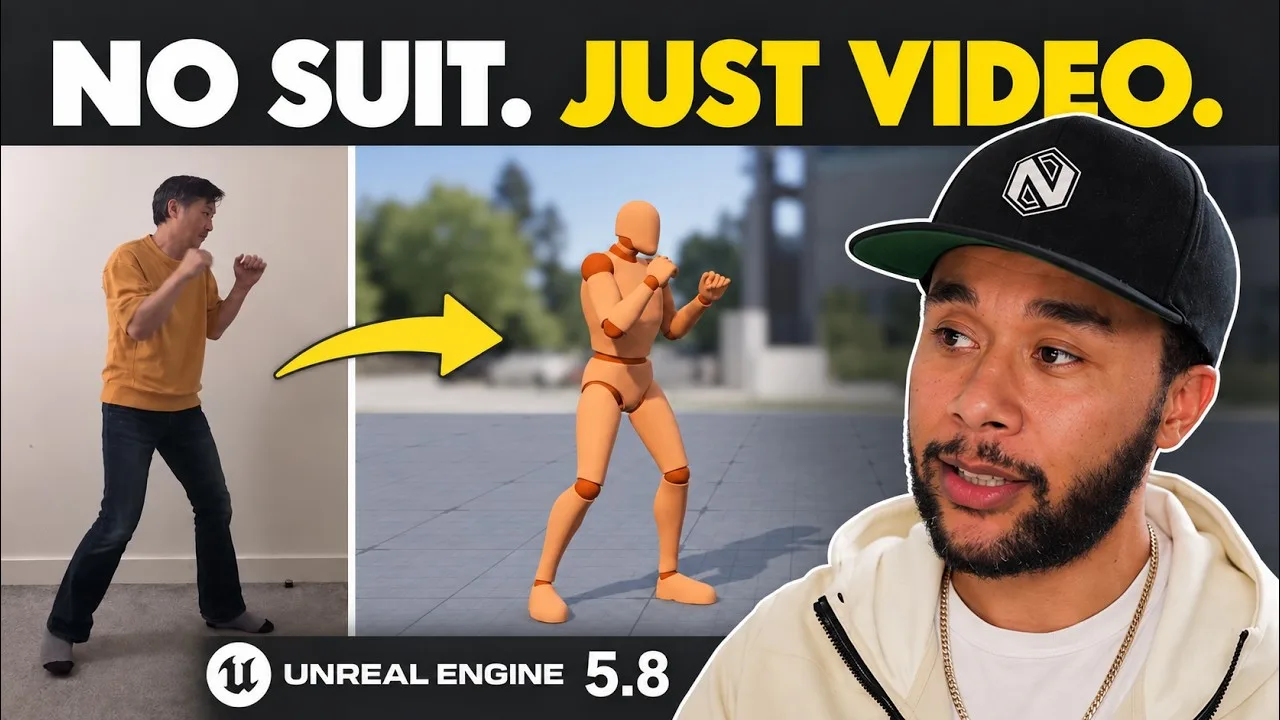
One phone. One plain wall. No suit, no markers, no stage.
Markerless Motion Capture in Unreal 5.8: From a Phone Video to Gameplay
Key takeaways
- Unreal Engine 5.8's markerless motion capture turns a single phone video into body animation on a MetaHuman, inside the engine, through Live Link Hub and MetaHuman Animator.
- Your room decides your data: a plain wall, nothing around you and dark clothes give cleaner results with any video based system.
- The Rewind Debugger shows you exactly which animation the game is playing, so you know which clip to replace.
- Mocap cleanup happens in three stages: a minimal raw pass, fitting the animation to the game logic, then polish.
- For AAA it is a bridge and a previs tool. For indie and AA teams it is clutch. It does not replace a big mocap volume yet.
Markerless motion capture used to mean expensive guesswork. Now it’s a phone in a bedroom, pointed at a plain wall, and the same performance playing in a real game in Unreal Engine 5.8. No suit, no markers, no stage.
I’ve shot motion capture for studios all over the world, and the answer was always the same. Book the volume, meaning the room you shoot in. Hire the crew, meaning the actors. And most of the time, pay for cleanup, which gets expensive fast.
Epic has put all of this in the engine for free, so we tested it.
I did this one with Alex Moon, a principal animator with 20-plus years in games, like me. Alex has shot and cleaned up mocap for years and now animates almost everything in engine. He drove the tool. I came in as the animation director to explain the why. Epic sponsored the video and asked us to be honest, so you’ll hear what it can’t do as well.

What you need before you start
If you want to follow along, get three things first:
- Unreal Engine 5.8 with the MetaHuman Animator Markerless Motion Capture plugin from Fab. It’s free. Epic lists it as experimental in 5.8, so expect it to change.
- The Game Animation Sample Project. It’s full of animations and logic you can play with and pull apart.
- Alex’s project bundle with his own reference footage, free on Animworks, so you can run every step one to one on the same files.
How does markerless motion capture work in Unreal Engine 5.8?
Alex filmed himself doing a combo attack, two takes in one clip. From there it’s a short chain of clicks.
- IngestOpen Live Link Hub, switch to Capture Manager, choose Mono Video Ingest, add the clip to the queue and start it. It's quick.
- Create a performanceMake a MetaHuman Performance asset and assign the capture data you just ingested.
- Body onlyTurn off facial animation, turn on body tracking, pick your MetaHuman.
- ProcessPress Process and the movement in the video transfers onto the MetaHuman.
Then you look at the result. Alex’s first words: “The animation data looks amazing, if you think this is from just one video clip.” Mine were: that was so easy.
This is the most accurate video to data I’ve seen so far. And the data lands on a skeleton that’s already in the engine, which is a massive help.
Your room, your clothes and your framing
Look at how Alex shot it. Nothing around him. A plain wall behind him and a plain floor. Dark clothes.
Those things give you cleaner data. If you’ve got lots of things around you, lots of noise, or white clothes against a white background, the data won’t be as clean. That’s true of pretty much any system that works from video, so set up your reference like this before you press record.

What the capture got wrong
It also captured the fingers. They’re not perfect, but they’re usable. Alex tweaks the main finger poses on a layer on top of the raw data and the hands come good.
The other fixes are the ones you’d expect from raw mocap. The character needed rotating 90 degrees so he faced the target. The clip held two takes, so it needed trimming. And once it was in game, the timing of the hits was off by about five frames. More on that below.
From MetaHuman to the mannequin: retargeting
Alex exported the solve as an animation asset, then right clicked it and retargeted it to the UEFN mannequin. He used the mannequin because it’s the one model everybody has.
If you want to jazz it up, pause here, get your own character into Unreal and retarget onto that instead. That’s when you see the magic: a clip you shot yourself, playing on the character you want in your game.
This step matters more than it looks. The MetaHuman side gives you acting and performance. That’s what the capture recorded. The mannequin side is where you have a Control Rig and animation you can play with. Retargeting is the bridge between seeing a performance and being able to edit it. Keep that bridge in mind and the rest of the project gets easier.
The Rewind Debugger: which animation is the game playing?
Before you can swap your capture in, you need to know which animation the game is using. Alex found it with the Rewind Debugger.
The Rewind Debugger is a powerful tool that many animators don’t know about, and you should absolutely keep it in your pocket as an animator. It records gameplay, so you can scrub back and see exactly what played and when.
The sample project is full of logic and smart Blueprints underneath, which is why pressing the stick feels so fluid. If you ever want to know what’s sticking, record it and pinpoint it.
The more you use this tool, the more you understand what makes things tick.
Harvey Newman
Alex recorded the player character, found the takedown in the chooser table, and followed it to the interaction asset behind it. He also disabled some of the other directional attacks, so his one would be easy to trigger while testing.
How attacker and victim animations work together
That interaction asset holds two sets of data: one for the attacker and one for the victim.
When two characters interact like this, they’re set at a specific distance from each other. In my experience it’s normally about a metre, though it can be further depending on the characters. One character always leads and the other follows. Here, Alex’s character throws the hit and the other one reacts.
Most of the time it’s the attacker’s animation you change. But if your kick travels further, or lifts the other character higher, you’ll have to tweak the victim as well. The reaction only feels good because of what the attacker is doing.
Don’t change the distance between the two unless you absolutely must. Work inside the logic that’s already there. The more you work with it, the more you understand what makes things tick.
Alex opened the attacker’s animation montage, swapped in his own capture, saved it and pressed play. His attack fired.
The three stages of mocap cleanup
This is the part nobody teaches. Mocap gets cleaned up in stages.

Stage one is the raw pass. You clean as little as possible, just enough to see if it works. Alex faced the character the right way and looked at the whole clip to decide whether the two moves should be split or kept together.
Stage two is fitting the logic. The animation is in game and working with the systems, so now it has to match what the game already does. The original attack hit on frame 19, and the sound and the victim’s reaction were set up for that. Alex’s first hit landed around frame 14, so the sound didn’t match and the reaction came in wrong. He shifted the hits later.
If a system already works, the animation needs to fit that system, not the other way round.
The logic has already been proven. Change the animation to match it first.
Stage three is polish. The animation is implemented and proven, everything clicks, and now you get to have fun with it as an animator: better arcs, better poses, a punch that lands harder. That pizzazz layer on top.
Cleaning up mocap with Control Rig, without leaving Unreal
Alex baked the animation onto his Control Rig, fixed the timing and the poses, and played it again. The hit timing matched, so the reaction landed at the right time.
Because the Sequencer is linked to the animation asset, every change applies straight away. He turned the knee kick into a front kick on a layer, saved it, and saw it in gameplay. Disable the layer and you’re back to the knee. No Maya, no exporting FBXs back and forth.

Is markerless motion capture good enough for production?
Here’s my take as the animation director reviewing this work.
In a big studio, I’d most likely see this as a tool to preview animations and to prove that the systems and the animations work together. AAA studios will look at it as a bridge to the final product, not the final product.
For indie and AA studios that want animation but don’t need AAA polish, it hits the spot. The same goes for any team with animators who are great at cleaning up mocap and willing to spend the time. The data doesn’t have to be perfect if your animators can push it further or stylise it.
Where it isn’t ready is matching a mocap studio that costs lots of money. Even an Xsens or a Rokoko suit could arguably be slightly better. If you need two actors in a room, real acting, or plenty of movement that needs a big space, that’s hard to capture this way. That’s why big volumes exist.
No suit, no travelling to a mocap studio, no paying hundreds of thousands. For a small studio, that's clutch.
Harvey Newman
What gets me most is that it all happens inside the engine. Before, you went to another piece of software, exported FBXs, imported them back and started again. The main goal of any developer is to spend as much time in engine as possible. Most of the people on a game spend 90% or more of their day in the engine. Animators were the exception, stuck in DCCs and mocap stages. That’s changing, and it’s a massive win.
Given how hard Epic is pushing its animation tooling, I think this only gets better. I hope one day it surpasses even the big studios.
So would I recommend it? Absolutely, depending on your circumstances. If you’re weighing up other ways to capture without a suit, I’ve also tested a LiDAR mocap camera and Rokoko’s Smartgloves II for hands, and there’s more on the in-engine side in my Unreal Engine 5.8 animation post.
Download the Game Animation Sample Project and Alex’s bundle, run it once, and I’m pretty sure you’ll start imagining what you can do with your own reference. Come and show me what you make in the comments on the video.
The video
Watch the full breakdown
- 0:00What mocap used to cost
- 3:24Live Link Hub ingest
- 4:26Solving the performance
- 7:02Room, clothes, framing
- 7:31What it got wrong
- 8:31Retargeting the mannequin
- 10:29Into gameplay
- 13:44The Rewind Debugger
- 15:27Chooser tables
- 16:37Attacker and victim
- 20:23Mocap cleanup stages
- 25:06Control Rig layers
- 27:12The honest verdict
Questions people ask
What is markerless motion capture?
Motion capture without a suit or markers. In Unreal Engine 5.8 you film yourself on a phone, ingest the video through Live Link Hub, and MetaHuman Animator solves the body movement onto a MetaHuman inside the engine.
Is markerless motion capture in Unreal Engine free?
The MetaHuman Animator Markerless Motion Capture plugin is a free download on Fab. Epic lists it as experimental in Unreal Engine 5.8, so expect it to change between versions.
How accurate is markerless mocap from a phone?
It is the most accurate video to data I've seen so far. The body comes through well. Fingers are captured but need fixing, and you still have to set the rotation and timing before it works in game.
Can markerless motion capture replace a mocap studio?
Not yet. Two actors, real acting and moves that need a big space still need a proper volume. For proving systems, previs and small indie or AA projects, it already does the job.
How do you clean up motion capture in Unreal Engine?
In stages. Clean the raw data as little as possible to prove it works, then fit the timing to the game logic, then polish poses and arcs. Baking the animation to Control Rig lets you do all of it without leaving Unreal.
And remember,
there are no shortcuts for animation.
 Stay well, stay safe,Harvey NewmanBook a free call →
 Looking for knowledge?How to Thrive in the Games Industry: The Long GameMy book on building a career in games and keeping it. CRC Press, 246 pages.Get the book →
 Looking for resources?Rigs, courses and mentors on AnimworksFree and paid rigs, courses from working pros, one to one mentoring and mocap packs.Visit anim.works →
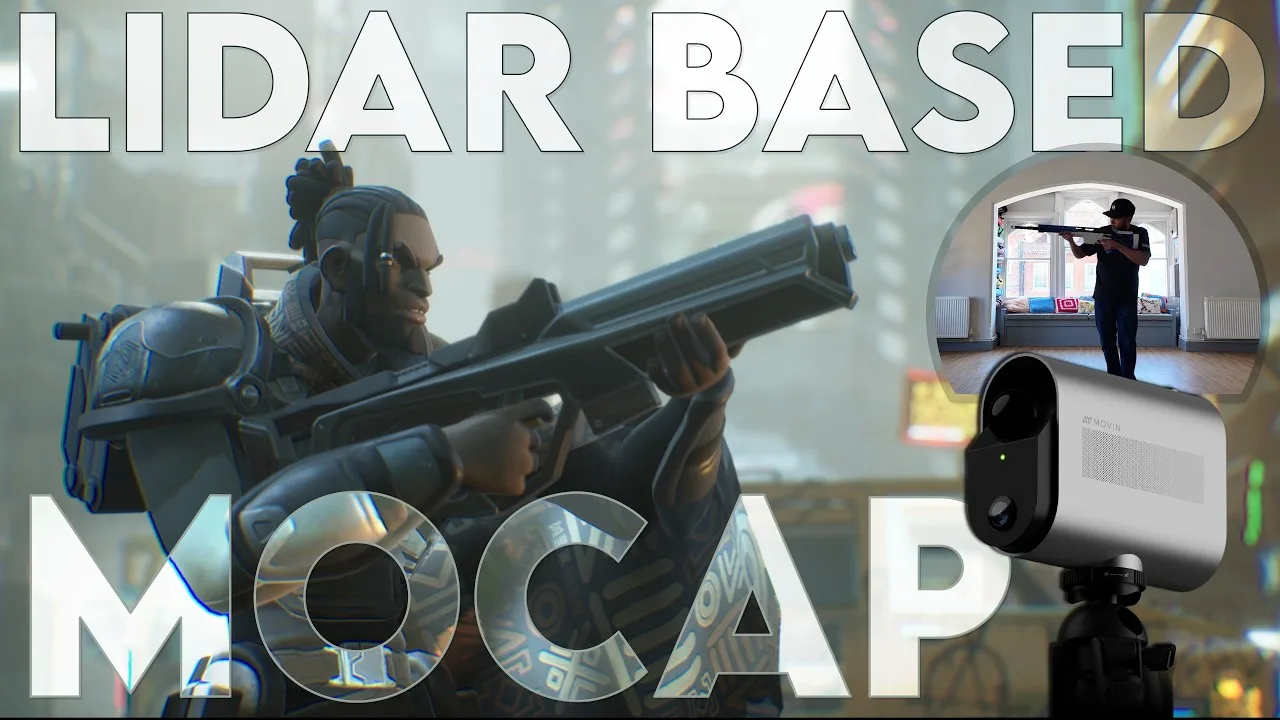 LiDAR Motion Capture Tested: Better Than a Phone, No Suit Needed14 Aug 2026
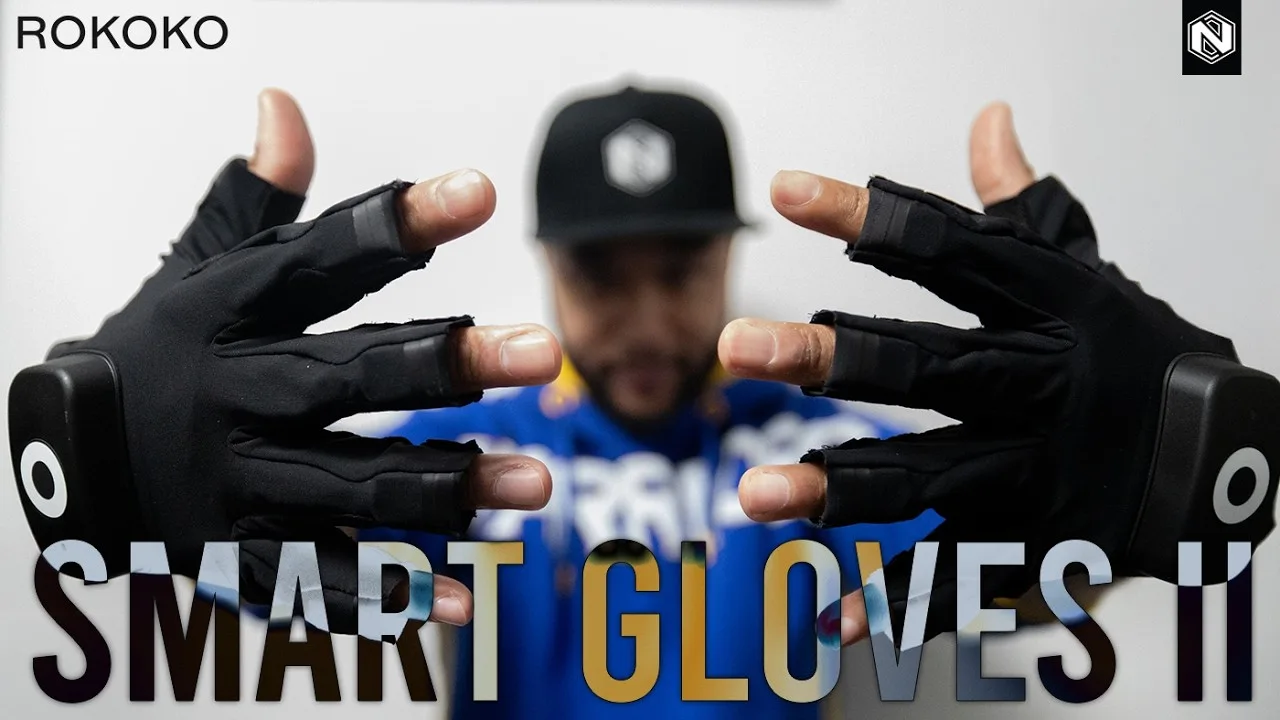 Rokoko Smartgloves II Review: Motion Capture Gloves That Finally Get Hands Right?27 Feb 2026
 Unreal Engine 5.8: Is Epic Finally Taking Animators Seriously?5 Jun 2026
 Mastering Motion Capture for Games: Advanced Techniques and Tools From AAA12 Nov 2024