
Motion capture7 min read21 min video
Four months, one rented studio, one camera, no suit.
LiDAR Motion Capture Tested: Better Than a Phone, No Suit Needed
Key takeaways
- LiDAR motion capture sits in the gap between phone mocap, which is easy but janky, and suits, which are clean but expensive and slow to set up.
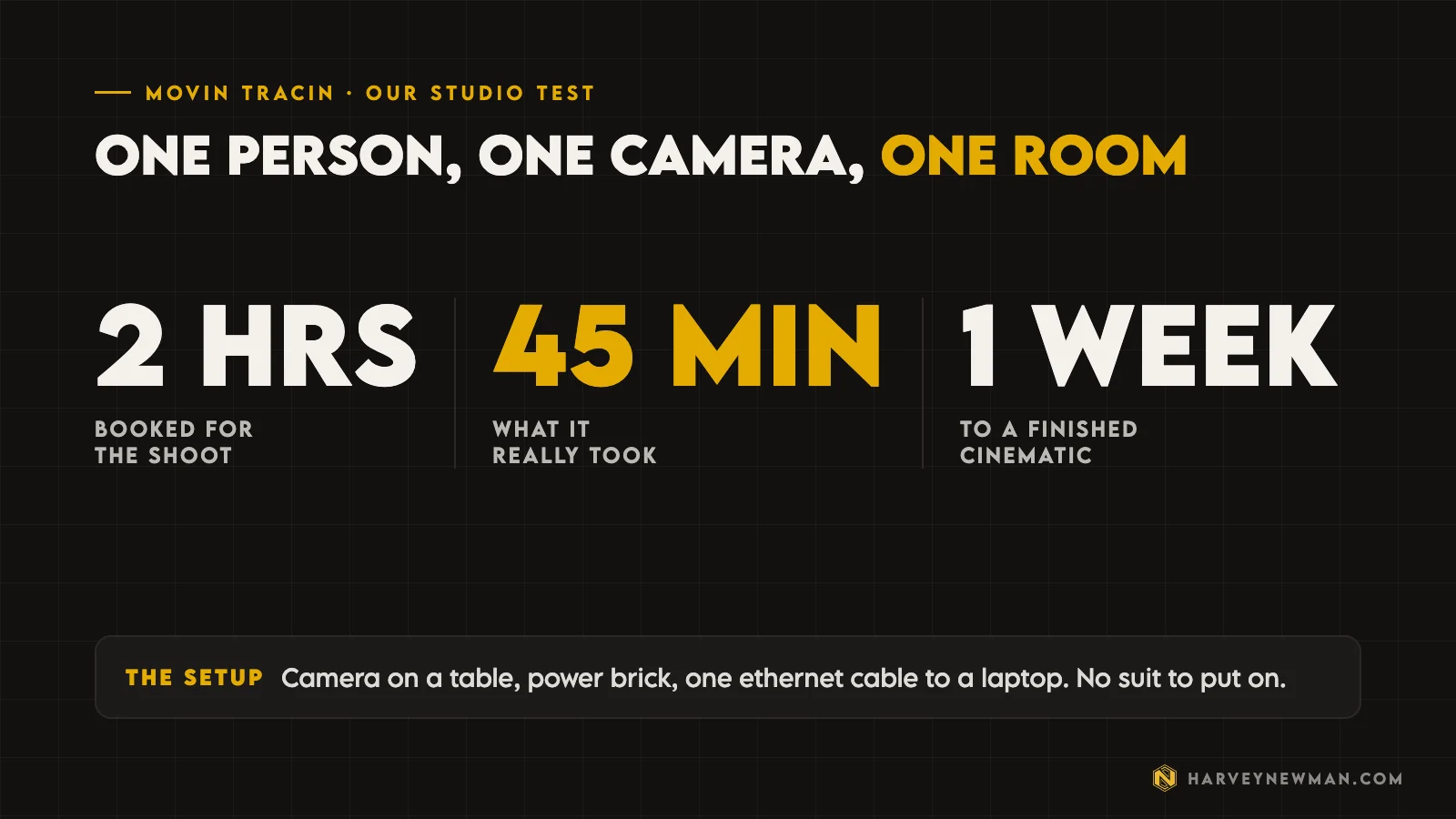
- MOVIN TRACIN set up in minutes: camera, power brick and one ethernet cable. A shoot we planned for two hours took about 45 minutes.
- Hips, legs and foot contacts came back clean. Hands, wrists and upper arms twisted, possibly because we shot towards a sunlit window.
- One camera only sees what faces it, so anything behind your body is lost. Act towards the camera.
- At about the price of one day in a high end mocap volume, it suits budget conscious indie devs and small studios who need to iterate.
There’s a massive gap in motion capture right now, and LiDAR motion capture is trying to fill it.
On one side you have phones. Take one out of your pocket, start shooting, and you get mocap. But the data is janky, low quality, and takes forever to clean up. On the other side you have suits that cost serious money. You suit up, connect a bunch of cables, set up the computer, the modems and the Wi-Fi connections, and only then do you shoot.
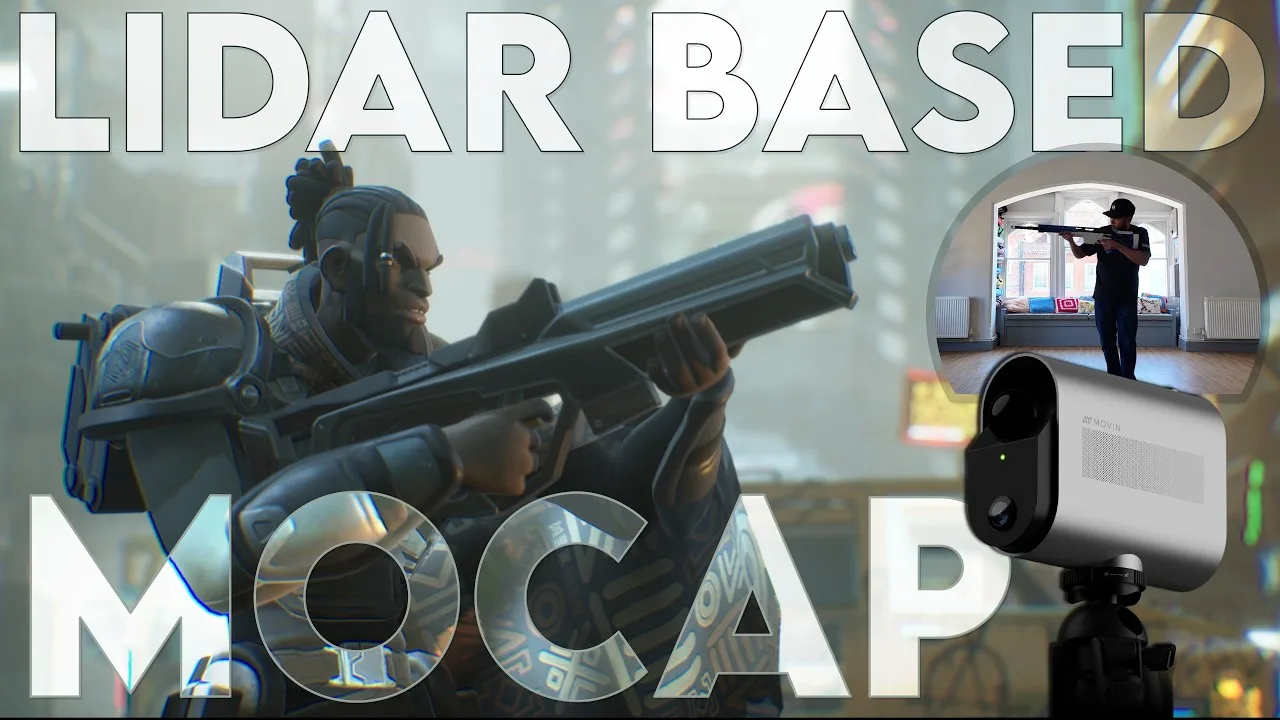
I’ve been working with a South Korean company called MOVIN for about four months. Their LiDAR mocap camera, MOVIN TRACIN, sits right in the middle of those two.

MOVIN sponsored the video. As we agreed behind the scenes, I can say anything good or bad about the product. They want my honest opinion because it helps them improve it, so that’s what this is.
Why LiDAR for motion capture?
When they approached me, LiDAR made sense straight away. Self-driving cars use LiDAR to read the area around them precisely and at speed. In my non-technical mind, a LiDAR camera in a mocap environment makes complete sense. TRACIN puts a LiDAR sensor and a regular camera in one unit. Surely that must be good. I had to try it.
The lens I’m testing it through
I’ve been in games for 20-plus years and I’ve directed mocap shoots all over the world: LA, China, the UK. I’ve shot in the biggest studios with professionals. For the last six or seven years I’ve run my own studio, Proxima Studio, and we shoot mocap for clients and for ourselves.
So I’m coming at this as an indie dev who used to work in AAA. I’ve seen the different levels of quality, and now I want the easiest way to shoot mocap with the least friction. As a game director and animation director, I need my data in the game, or in Maya to clean up, as soon as possible.
My house isn’t big enough for the volume this camera can capture, so for the first time on the channel we packed up and rented a studio nearby to test it properly. It was the school holidays, so my family came along and became the actors for the day.
How easy is LiDAR mocap to set up?
Easy. Normally we shoot in that space with an Xsens suit. For TRACIN, this is everything you get:
- The cameraHefty, with a quality aluminium shell for cooling.
- The power brickPower on one side of the camera, ethernet on the other.
- One cableThe ethernet runs to your computer. I only had to adjust the ethernet settings on my laptop's dongle.
- The softwareFire it up and you're capturing.
All of it fits in a small Pelican case. It’s on the heavier side, but nowhere near what a suit feels like to carry. If you’ve done mocap shoots, you know how much kit you usually haul around. The portability alone sold me.
Suiting up in Xsens, plugging in all the connectors, sorting the power bank: we’d have been there an hour. With this, I plug in one end and the other, and it’s going. I loved that already.
MOVIN recommends a tripod at a specific height, and I’d say do it. MOVIN gives the figure as 95 cm. I put the camera on a regular table instead and it was stable enough.
How big does the room need to be?
The room we rented was big, but not massive. You don’t want a small room. I’ve tried shooting at home and you get two steps and that’s it. No walk cycles. You want a decent size space, and TRACIN handled it well.
The setup is the part you’ll notice most. You get your camera, your LiDAR, and dots projected all over the space to show you the volume. You can make the volume smaller or bigger, which I hadn’t seen before. We went for the maximum.
There are also levels for the floor. If you always shoot in the same place, set it once and forget it. Make sure the floor is flat so your foot contacts come out correct.
We planned two hours for the shoot. It took about 45 minutes, and only that long because we were messing about trying different things.
How good is the raw LiDAR mocap data?
The data is much better than anything I got from mobile capture. It’s not as good as a suit. If you have an Xsens suit, this won’t match it. But it’s 100% better than phone data.
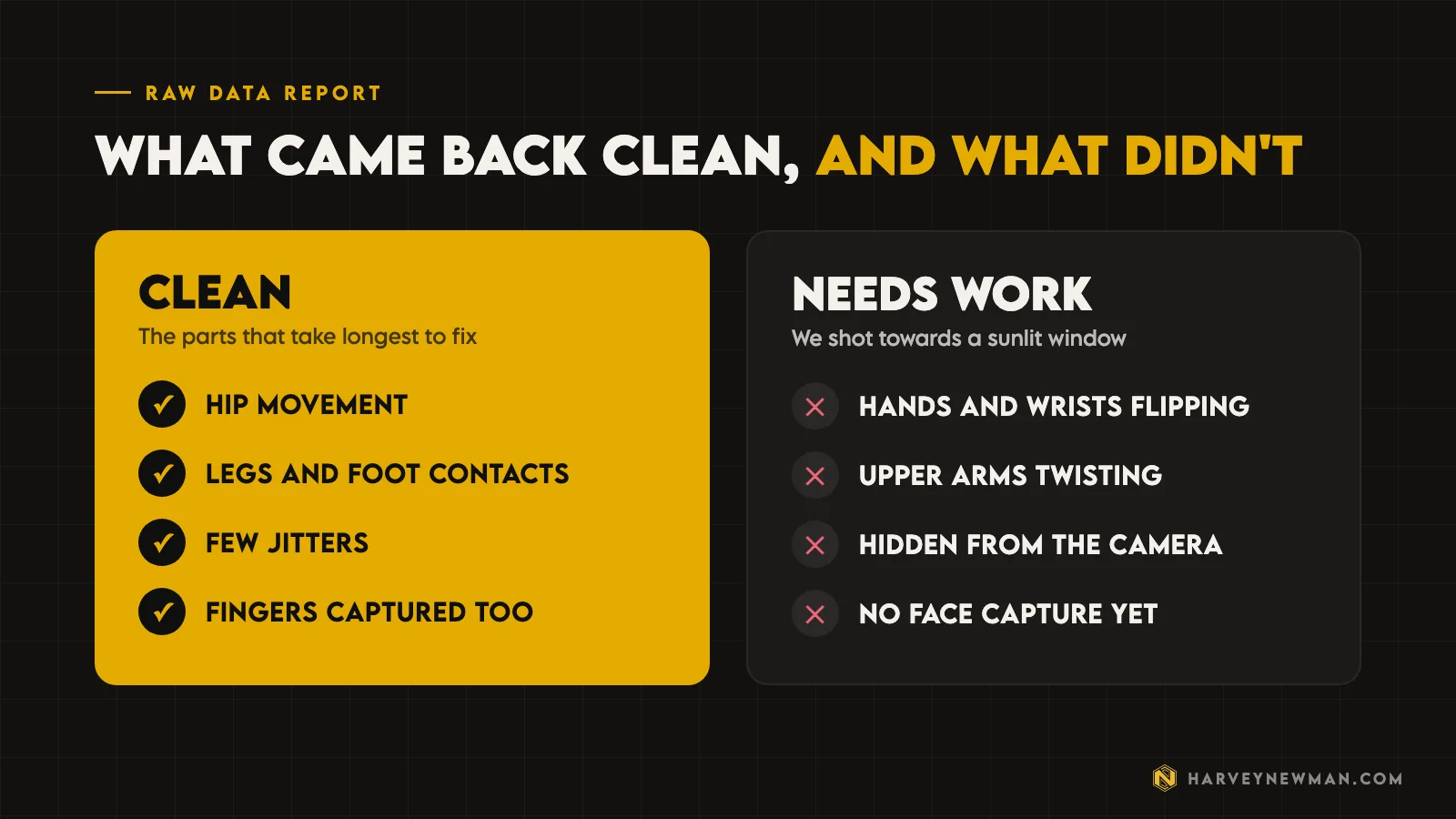
I look at data through one lens: how long will I spend cleaning this? Hip movement, legs and foot contacts are the things that take the most time to clean, and they were clean. The jitters and small inflections you usually fight weren’t there. It also captures fingers along with the body, which impressed me.
Then the problems. The hands and wrists flipped in places, and the upper arms twisted a bit. I’m not sure why yet. We were shooting towards an open window with daylight outside, and I suspect that confused the arm data. I was also holding a rifle. I want to test it again in an evenly lit room.
The other limit right now is that it only captures forward. Anything the camera can’t see is lost. If you hold a rifle and turn so your body hides it, that data is gone. In practice, if you’re aiming, looking or acting towards the camera, most of the data is there, because that’s where you’re performing. That surprised me.
Act towards the camera and most of the data will be there.
From capture to a finished cinematic
MOVIN gives you export options. I’m used to only being able to export an FBX, but here you can also export straight to Unreal as an Unreal file. I exported both so I could decide later in the pipeline.
We thought about putting the data onto a Control Rig in Unreal, which would have been faster. The catch was on our side: the rig I was using had no Control Rig version, and building one would have taken weeks.
Shout out to Emilio Serrano, who did the heavy lifting on the rigging, the cleanup, the importing and the animation, and to KitBash3D for the backgrounds. We’re both animators, we went through the data together, and we were both happy with it.
One person, one camera, one room, and about one week.
Harvey Newman
There was so little to clean up that we got to spend our time on look dev, the background, the rig and the physics. If I didn’t like something, I could go back, capture more, swap the data and be good to go. That iteration speed matters, whether you go from FBX to Maya to Unreal or straight from FBX to Unreal.
LiDAR mocap pros and cons
Pros
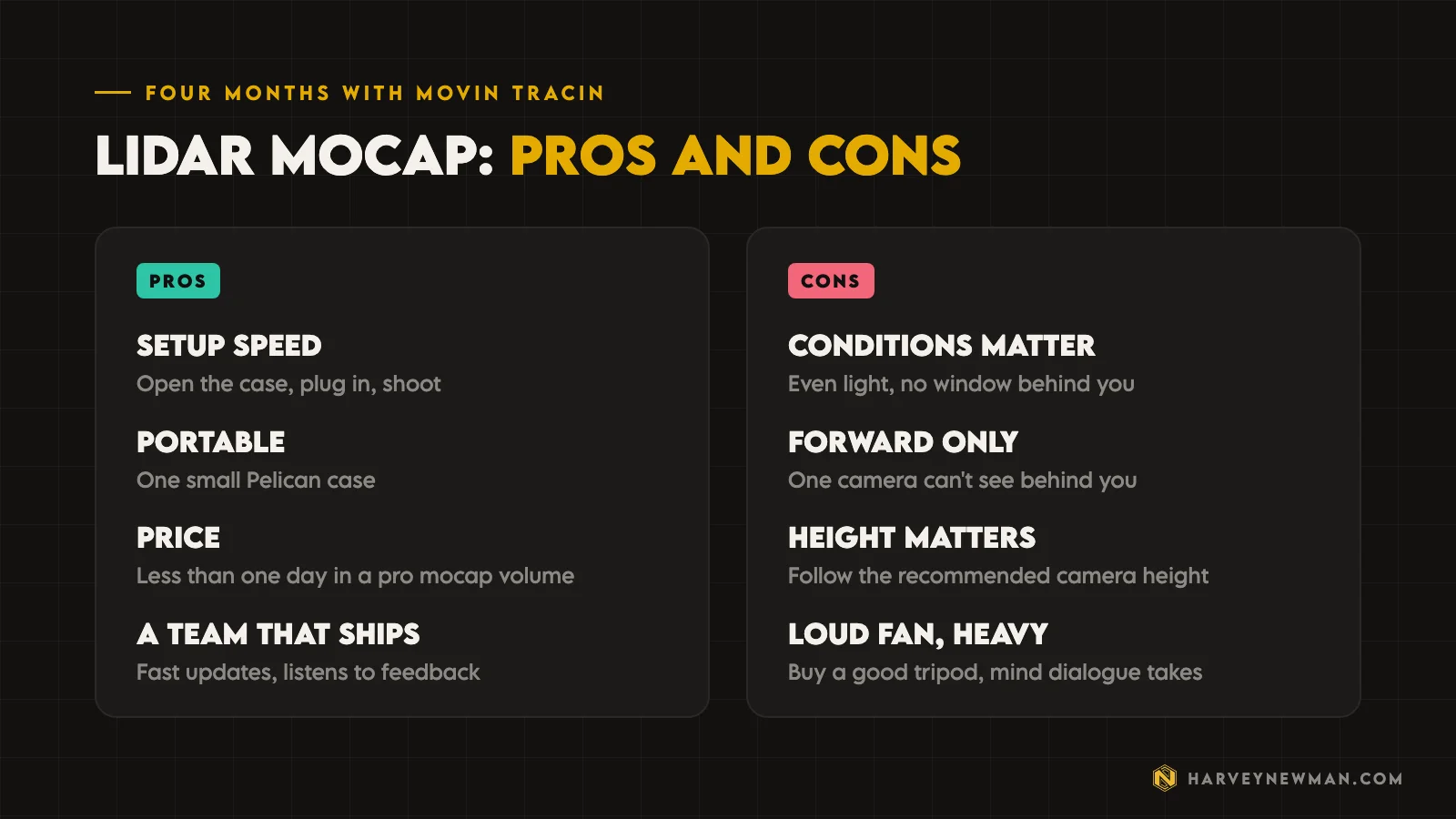
- Setup speed. Open the case, set it up and go. If you shoot in the same place every time, you just put the camera down and switch it on. It’s arguably as fast to set up as a phone, with better quality.
- Price. The sticker might look high, but for a small studio, an indie dev who takes things seriously and needs to iterate a lot, or someone capturing for something simple like a medical app, it beats buying a suit or booking a big mocap stage.
- The team. They ship updates fast, every month or every three months, on both software and hardware. And they listen. Every time I’ve suggested something, they’ve said they understand and put it on the list.
Cons
I don’t think any of these are unfixable, whether with more cameras, hardware or software.
- Conditions matter. I think the window behind me confused where my hands and wrists were.
- Camera height matters. The lens is wide angle, so it needs space to see you. You can’t stand close to it. Follow their height guide.
- It’s loud and heavy. It’s beautifully built in aluminium with a big fan on the back, but the fan is loud. Get a quality tripod. If you’re shooting dialogue, you’ll hear the fan, and it can’t capture the face yet either.
How much does MOVIN TRACIN cost?
When I made the video it was about $10,000. MOVIN’s site now lists it at $11,000, so check there for the current price. I’ve been on many mocap shoots, and one day in a high standard volume can cost two or three times that, depending on how much you capture and how many actors you have.
The best suit in the business, which at this point is most likely Xsens, will also cost you more than this camera.
This is for single devs and budget conscious studios who want mocap that’s better than the phone in their pocket.
Phones are capable and getting better fast, but I don’t think they’re ready to give you assets that are close to final.
Is LiDAR motion capture worth it?
For the right team, yes. MOVIN has arrived and is here to play, and the product and the team are both good. When those two things line up, I want to support them. Supporting companies like this means supporting people who do things differently, and that ends up saving all of us money when we make games.
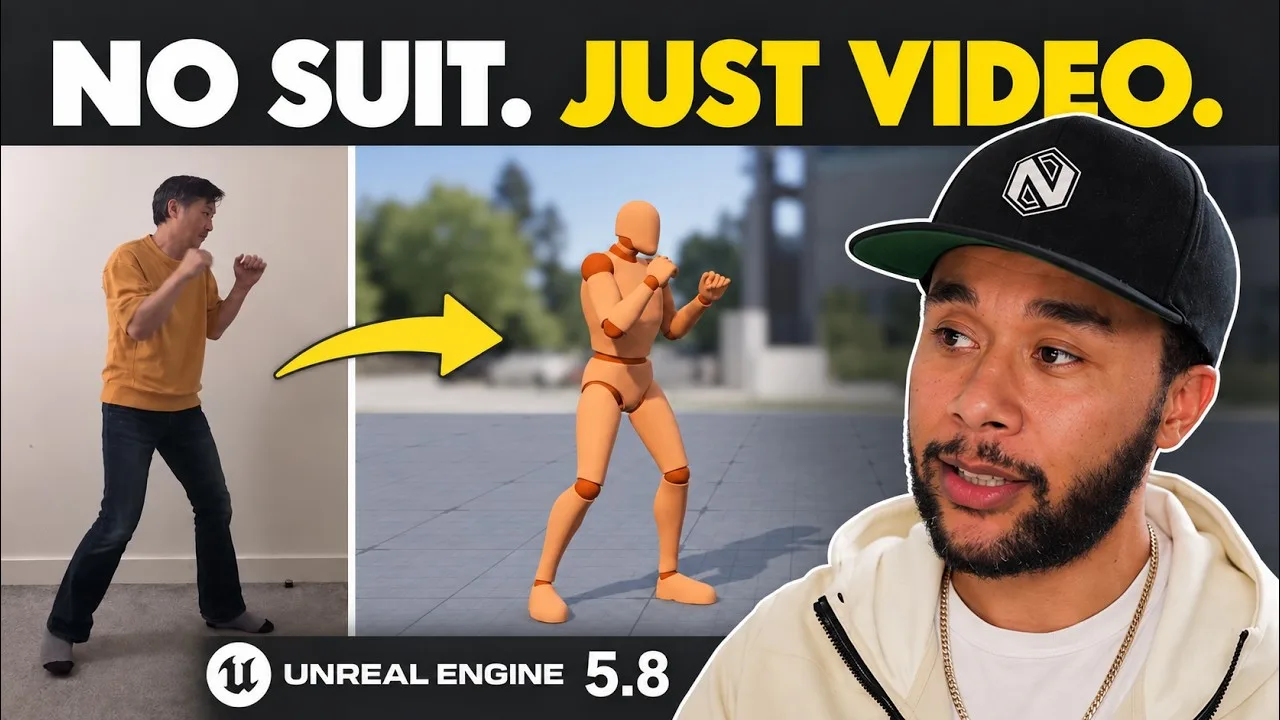
If you’d rather not buy any hardware, I also tested free markerless motion capture in Unreal Engine 5.8 from a single phone video, and AI motion capture in Autodesk Flow Studio. For the hands, see my Rokoko Smartgloves II review.
Have you shot with a LiDAR camera, or are you still on a phone or a suit? Tell me in the comments on the video.
The video
Watch the full breakdown
Questions people ask
What is LiDAR motion capture?
Motion capture from a camera that uses LiDAR depth sensing, the same kind of tech self-driving cars use to read the space around them. MOVIN TRACIN combines a LiDAR sensor and a regular camera in one unit, so you capture without a suit or markers.
Is LiDAR mocap better than phone mocap?
In my test, yes. The data was much better than anything I got from mobile capture, with good foot contacts and few jitters. It isn't as clean as a high end suit like Xsens.
How much does MOVIN TRACIN cost?
It was about $10,000 when I made the video, and MOVIN's site lists it at $11,000. One day in a high standard mocap volume can cost two or three times that.
Can MOVIN TRACIN capture fingers and faces?
It captures fingers along with the body, which impressed me. It can't capture the face at the moment, and the fan is loud enough to matter if you're recording dialogue.
Who is LiDAR motion capture for?
Solo developers and budget conscious studios who need mocap that's better than a phone, and who want to iterate quickly without suiting up or booking a studio.
And remember,
there are no shortcuts for animation.
 Stay well, stay safe,Harvey NewmanBook a free call →
 Looking for knowledge?How to Thrive in the Games Industry: The Long GameMy book on building a career in games and keeping it. CRC Press, 246 pages.Get the book →
 Looking for resources?Rigs, courses and mentors on AnimworksFree and paid rigs, courses from working pros, one to one mentoring and mocap packs.Visit anim.works →
 Markerless Motion Capture in Unreal 5.8: From a Phone Video to Gameplay23 Oct 2026
 Rokoko Smartgloves II Review: Motion Capture Gloves That Finally Get Hands Right?27 Feb 2026
 Autodesk Flow Studio: AI Motion Capture for Game Developers6 Mar 2026
 Mastering Motion Capture for Games: Advanced Techniques and Tools From AAA12 Nov 2024